
Searching Cases by Name
Start at the county's official Public Record Search page. It breaks its holdings into Judicial Records, Civil, Family and Probate Records, jail records, property records, index books, and a probate index. The Judicial Records link opens a Tyler Odyssey endpoint. That endpoint can demand a login and return a 403 response, so treat its live name-search fields with caution rather than assuming they will work.
- Identify the court family from the notice, citation, offense level, or type of claim.
- Open the county's official record page and choose the link that matches that record family.
- If Odyssey opens, inspect its current form before entering a full name. Do not assume fields or partial-match rules that are not shown.
- If the local portal is blocked, search participating records through re:SearchTX and narrow by location, case category, court, and date.
- Open a plausible result and compare its case style, court, and cause number. Record the exact filters and visible error if no match appears.
- Contact the correct clerk with those details when results conflict, access is gated, or a certified record is needed.
Name variants and duplicate parties cause false matches. Search one spelling at a time, and never identify a case from a name alone.
Matagorda Odyssey Access Limits
Matagorda County links the Odyssey Public Access portal itself. That makes it a genuine local route into participating judicial records. The link alone proves nothing more. It does not show that every lower court sends data. It does not show that every document can be downloaded, or that every search is free. A login wall or a 403 response is a reason to fall back on official channels. It is not a reason to decide a case does not exist.
Save the official URL and any error, identify the court, and call its clerk. For District Court felony, civil, family, juvenile, or child-protection matters, use the District Clerk. For County Court or County Court at Law criminal, civil, probate, or mental-health matters, use the County Clerk. A general Public Information Act request is not the default route. The county says no PIA request is needed to review public court records maintained by the clerk.
Note: Portal access can change. Verify the visible Matagorda County search form before relying on any field instructions.
Searching by Case Number
A cause number is the strongest key for a Matagorda County case search. The District Clerk's own request form pairs it with the court number and case style. No single number pattern covers all district, county, JP, and municipal cases here. Do not guess a year or type code. Type the number exactly as printed on the notice or filing, such as CAUSE NUMBER AS FILED. Keep every letter, dash, and leading zero in place.
If the number returns no hit, strip only punctuation the live portal rejects. Leave the sequence itself alone. Then check which system owns the number. It may be a municipal citation, JP matter, county case, district case, or federal filing. A correct identifier typed into the wrong clerk's system will still return an empty search.
Matagorda Case Search by Clerk
The clerk split drives every Matagorda case search. District Clerk Janice L. Hawthorne sits at 1700 7th Street, Room 307, Bay City. She is reachable at (979) 244-7621 or dclerk@co.matagorda.tx.us. County Clerk Stephanie Wurtz works from Room 202, at (979) 244-7680 or coclerk@co.matagorda.tx.us. Both offices keep weekday hours of 8 a.m. to 5 p.m. with a noon closure.
| Case family | First custodian | Search route |
|---|---|---|
| Felony, major civil, family, juvenile, child protection | District Clerk | County Judicial Records, request form, or clerk contact |
| County misdemeanor, civil, probate, mental health | County Clerk | County records links or clerk contact |
| Traffic, fine-only criminal, small claims, debt, eviction | One of five JP clerks | The precinct office that filed the matter |
| Bay City or Palacios citations | Municipal court clerk | The issuing city's court channel |
The official Justice Courts page lists all five JP offices. It also warns against contacting a judge about a live case.
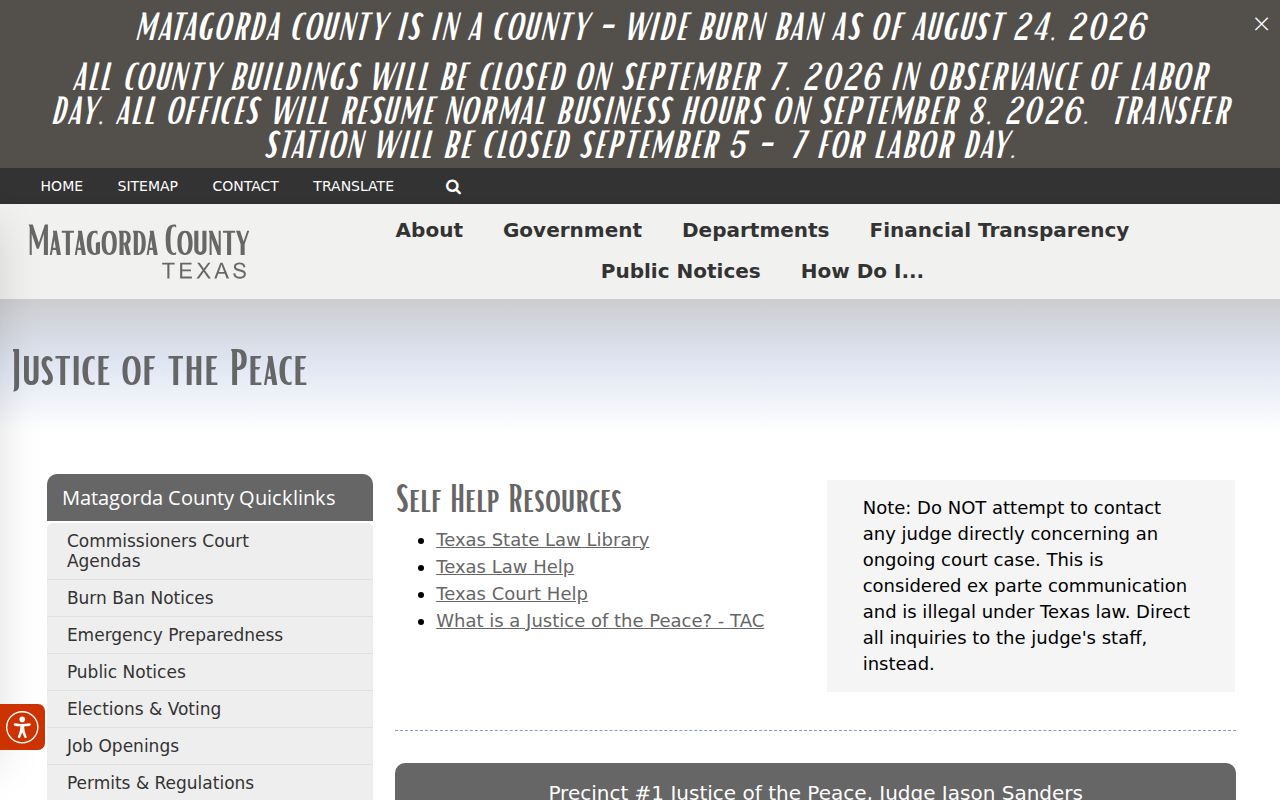
Five separate JP offices mean a county-wide name search can never be a complete lower-court search. Each JP clerk keeps that court's own docket.
What a Case Search Returns
A case search result is useful when it identifies the record well enough to verify. re:SearchTX splits its results into Cases, Filings, Text in Documents, and Hearings. A case detail therefore differs from a filing detail or a hearing dialog. Read the fields in context. Return to the originating clerk when accuracy or certification matters.
| Cause Number | The court's identifier, copied exactly from the result or filed notice. |
|---|---|
| Case Style | The caption or party names used by that court. |
| Court | The district, county, justice, or municipal tribunal holding the record. |
| Case Category | The broad type, such as criminal, civil, family, probate, or juvenile. |
| Filing | A document event and its metadata, not necessarily a public image of the document. |
| Hearing | A listed setting that should be checked against the latest notice and clerk record. |
| Status | The portal's current label, which may lag or need a docket-entry explanation. |
A Matagorda County court docket works like a timeline. It lists the dates, filings, hearings, and rulings in a case, one entry after another. What it does not do is show you the full court file behind each line. Some documents and details stay out of view.
Matagorda JP Search Channels
Justice Court pages add office-specific routes a general Matagorda County case search may miss. JP1 serves from the courthouse and posts contact details, hours, forms, payment information, and public YouTube access for some hearings. That mix helps you confirm the right clerk and hearing channel. It does not prove the case appears in Odyssey. The official JP1 page is the source for its forms and public-access information.
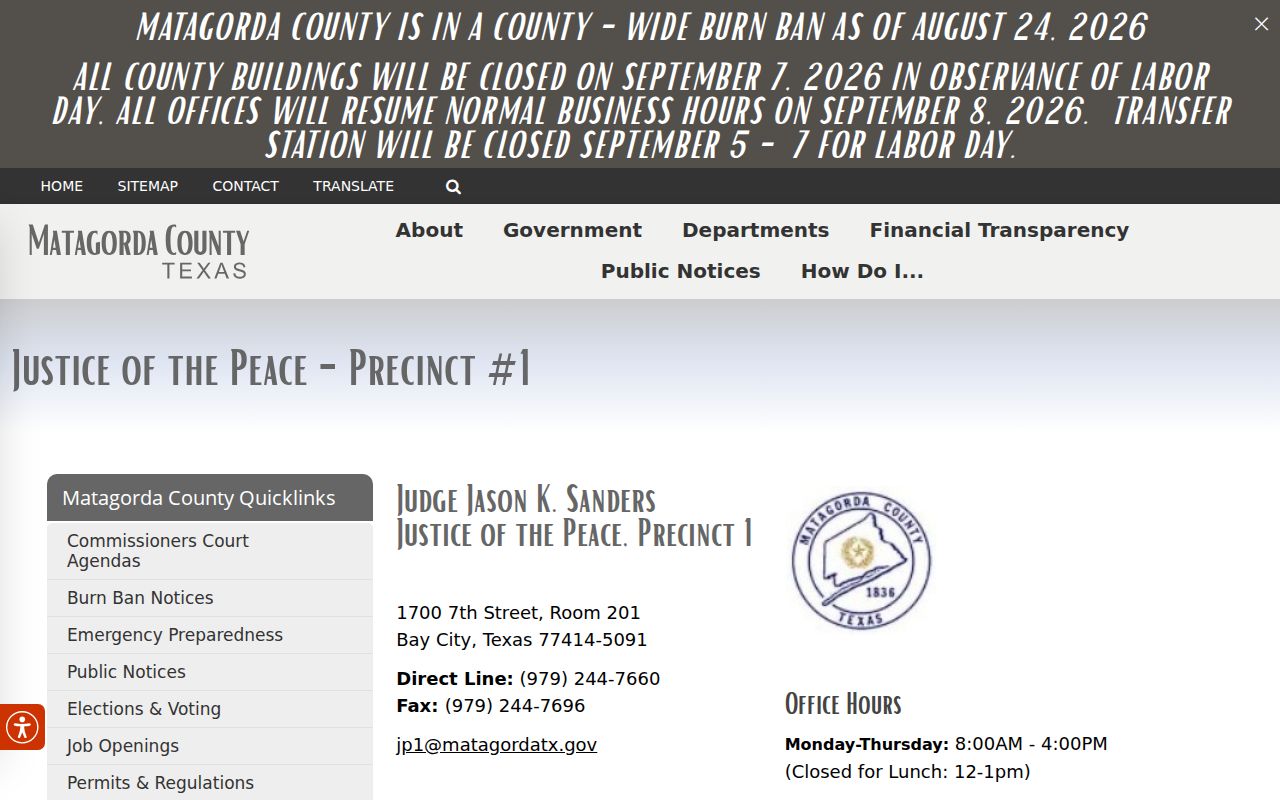
Contact JP1 staff for a JP1 cause number or setting. The direct number is (979) 244-7660. The page lists jp1@co.matagorda.tx.us, and other precincts run separate offices in the Matagorda, Palacios, Markham, and Sargent areas.
Statewide vs County Case Search
re:SearchTX is the statewide, registered-user layer for participating Texas records. Its official guide documents four tabs, filters, detail views, export, save-search, and advanced-search tools. Matagorda Odyssey is the county-linked local endpoint. Neither deserves to be called complete without a live check, because participation, record type, document access, and criminal coverage can all differ.
| Point | re:SearchTX | Matagorda channel |
|---|---|---|
| Scope | Participating courts across Texas | Local county links and custodians |
| Entry | Sign in or register | Official record landing page, Odyssey, or clerk |
| Tools | Cases, Filings, Text in Documents, Hearings, filters, save, export | Fields must be verified in the live local portal |
| Best use | Cross-court lead and statewide check | Authoritative routing, copies, and certification |
Need help with the statewide re:SearchTX portal? Write to research.support@tylertech.com or call 844-307-8720. That team fixes technical trouble only. For questions about a Matagorda County case record itself, the clerk's office remains the right place to ask.
When Matagorda Search Means JP2
The court's name matters more than the search box. JP2 keeps its office at 2200 7th Street, fourth floor, in Bay City. Its mailing address is in Matagorda. Call (979) 863-2035 if a question about a JP2 docket entry needs a voice on the other end. The court also posts warrant-amnesty details, and it holds no Zoom hearings; notices arrive another way.
The official JP2 page carries that court's current contact information. Hearing notice details come straight from the source.
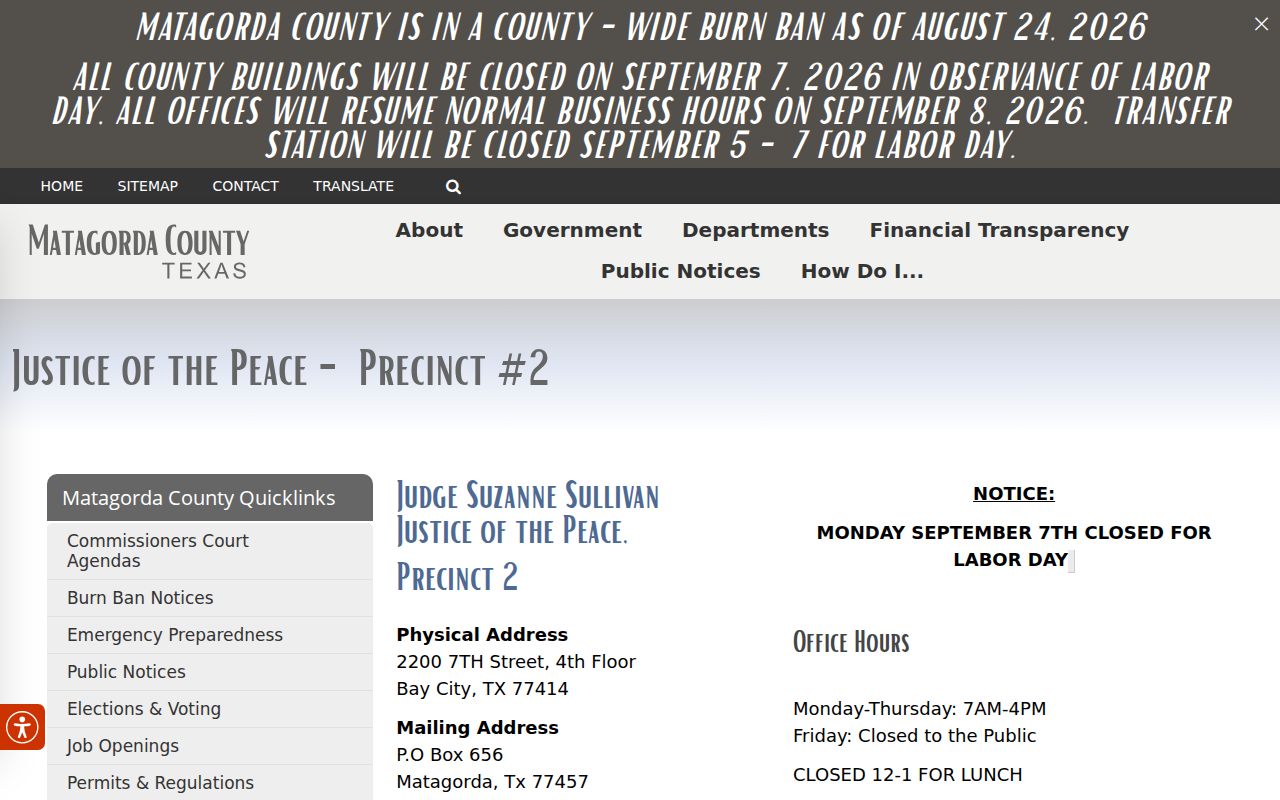
A hit from a different JP, a municipal court, or Odyssey cannot settle a JP2 question. Bay City JP2 holds its own docket. Call the staff with the citation or cause number and ask what the court docket actually shows for that case.
Access and Restricted Cases
Public access has limits in any Matagorda County case search. Sealed records, juvenile and child-protection files, expunctions, nondisclosure orders, personal identifiers, and court-ordered restrictions can all hide a name or a document. A Children's Court calendar open to the public may list hearing fields. Protected identities and exhibits stay closed.
Silence is not an answer. A blank result does not mean the case was dismissed. It does not mean no warrant exists, or that no case was ever filed. Write down the court, the exact query, the date, any filters, and any error shown. Then ask the clerk whether the record sits elsewhere, is delayed, is sealed or restricted, or needs a formal request. For a sealed District Court document, use the local sealed-document request process. A judge can then review it.
Access rule: Texas Rule of Judicial Administration 12 governs access to judicial records, while case-file access also depends on court rules, statutes, and specific orders.
Matagorda E-Filing Search Delays
eFileTexas and Tyler Odyssey handle filing and case management. But filing is not the same as public posting. The District Clerk reviews e-filed documents within 24 to 48 hours. That is a review window. It is not a promise that a new document will show up in Odyssey or re:SearchTX inside the same period.
So a fresh filing may be missing for a bit. Keep the submission confirmation, wait out the clerk review, then run the docket search again with the cause number. If timing matters, contact the filing clerk directly. A portal result is not a certified county record. For paper or electronic copies and certification, the District Clerk's request form is the local route. It has its own stated 24-to-48-hour processing period.